

The AI-Powered Dictation Tool Built for Real Desktop Work
NovaVoice turns your voice into text inside any app on Mac, Windows, or Linux — in real time, with no copy-pasting, no switching windows, and no friction.
Download for your OSFree plan available · No credit card required
See all platforms →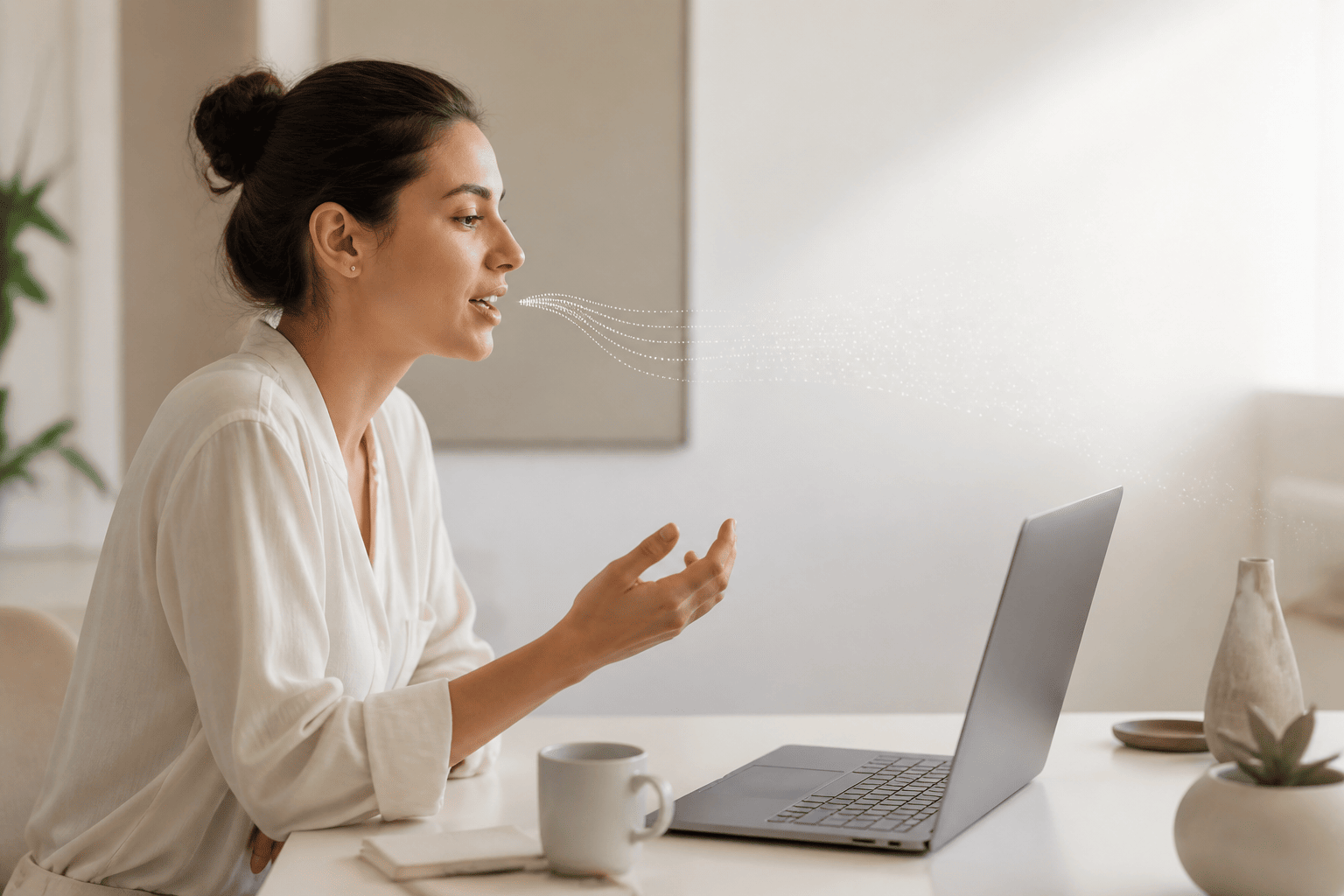
- Speak and text appears instantly in whatever app you're using — browser, email, Slack, IDE, Word, anywhere.
- Works system-wide across Mac, Windows, and Linux via a simple hotkey.
- Agent Mode lets you trigger voice commands in third-party apps like Gmail, Todoist, and Spotify without leaving your current screen.
- Built for power users who type a lot — developers, writers, founders, doctors, and anyone managing RSI or accessibility needs.
What 'AI-Powered Dictation' Actually Means in 2026
The phrase gets thrown around a lot. Most tools that call themselves AI-powered dictation tools are doing one of two things: transcribing audio after the fact, or adding a grammar pass on top of basic voice recognition. Neither of those is what NovaVoice does.
NovaVoice processes your voice in real time, as you speak, and drops the result directly into whatever application you're working in — your browser, your email client, your code editor, your notes app. No intermediate step. No clipboard. No modal window to paste from. You hit a hotkey, speak, and the text is already there.
The AI layer goes further with Agent Mode. Instead of just converting speech to text, NovaVoice can interpret a voice command, understand which app you're looking at, and take action — drafting an email in Gmail, creating a task in Todoist, adding a calendar event, or answering a question about something on your screen. That's the difference between a transcription tool and a voice interface for your entire desktop.
System-Wide Dictation: Why 'Works in Any App' Is the Feature
A lot of dictation software works great inside one app and nowhere else. Native OS dictation tools are often inconsistent across applications. Browser-based tools only function in a browser. NovaVoice was built with a different assumption: you shouldn't have to care which app you're in.
Whether you're writing a reply in Slack, filling out a form in your browser, drafting a document in Word, adding a comment in your IDE, or composing a message in a desktop email client — NovaVoice works the same way everywhere. Press the hotkey, speak, release. Text appears at your cursor.
This matters especially for professionals who move between many apps throughout the day. A developer might dictate comments in VS Code, then a Slack message, then a GitHub issue description, all without changing how they interact with NovaVoice.
Agent Mode: Voice Commands That Actually Do Things
Dictation handles writing. Agent Mode handles doing. From any screen, you can invoke a voice command that reaches into a supported app and takes an action — without you navigating to that app, clicking around, or losing your place in whatever you were working on.
Say you're deep in a document and you want to add a task to Todoist, send a quick message on Telegram, or skip a track in Spotify. With Agent Mode, you trigger it by voice, give the instruction, and it's handled. You stay in your document. You never broke your focus.
Agent Mode also works as a contextual AI assistant. Ask it what a technical term means, get the weather, or have it summarize a block of text you've selected — all from wherever you are on your screen. Think of it as a desktop-native voice assistant that actually understands what you're looking at. Supported apps include Gmail, Todoist, Google Calendar, Telegram, WhatsApp, Spotify, X, Hacker News, and more are added on an ongoing basis.
Who Uses an AI Dictation Tool Like This
The honest answer is: people who type a lot and have decided that typing everything is no longer the best use of their hands or their time. That covers a pretty wide range.
Developers dictate commit messages, documentation, and Slack threads. Founders draft emails, investor updates, and meeting notes by voice. Writers use it to capture ideas at the speed they think, without the friction of the keyboard slowing them down. Doctors and healthcare professionals use voice dictation to reduce the administrative load of clinical documentation. Students use it for notes and long-form writing.
There's also a meaningful group of users who need voice dictation not as a productivity preference but as an accessibility requirement — people managing RSI, repetitive strain injuries, or other conditions that make heavy keyboard use painful or impossible. For that group, a system-wide AI dictation tool that works across every app isn't a nice-to-have. It's essential.
NovaVoice vs. the Alternatives: An Honest Comparison
If you've looked at other tools in this space, a few names probably came up. Otter.ai is excellent at what it does — meeting transcription, speaker identification, Zoom and Teams integration — but it isn't a real-time system-wide dictation tool. It doesn't let you speak into any app; its desktop experience is built around capturing and reviewing recorded audio. Different use case entirely.
Superwhisper is a closer comparison. It's a capable dictation tool for Mac and Windows, and its local/offline processing model appeals to privacy-conscious users. But it doesn't have Agent Mode, it doesn't have an AI assistant layer, and it doesn't support Linux. Wispr Flow is another option — Mac and Windows, AI-formatted output, free tier with a weekly word limit — but again, no Linux, and no equivalent to Agent Mode.
NovaVoice's combination of real-time dictation, Agent Mode with cross-app voice commands, an AI assistant that reads your screen context, and full support for Mac, Windows, and Linux is what sets it apart in 2026. No other tool in this category currently covers all three desktop platforms while offering both dictation and active voice control in the same product.
Real-Time Dictation, System-Wide
Press a hotkey, speak, and your words appear instantly at the cursor — in any desktop app, on Mac, Windows, or Linux. No app switching, no clipboard, no delay.
Agent Mode: Voice Commands Across Your Desktop
Trigger actions in Gmail, Todoist, Google Calendar, Telegram, Spotify, and more without leaving your current screen. One voice command, handled — wherever you are.
Contextual AI Assistant
Ask questions, get definitions, or summarize selected text from any screen. NovaVoice reads your context and answers intelligently — like a desktop-native voice assistant that actually knows what you're looking at.
Frequently asked questions
What makes NovaVoice an AI-powered dictation tool rather than just voice recognition software?
NovaVoice uses AI to understand what you're saying in context, not just transcribe phonetics. Beyond real-time dictation, its Agent Mode reads your screen, understands your intent, and can act inside apps like Gmail or Google Calendar — all from a voice command. It's closer to having an intelligent voice layer over your entire desktop than a traditional speech-to-text engine.
Which operating systems does NovaVoice support?
NovaVoice runs on Mac, Windows, and Linux. It is a desktop application — there is no mobile app, browser extension, or iOS/Android version. If you work primarily at a desk, that's exactly where NovaVoice is designed to live.
Does NovaVoice work inside any app, or only specific ones?
Real-time dictation works system-wide — anywhere you can place a text cursor, your spoken words can appear. Agent Mode additionally supports specific apps like Gmail, Todoist, Google Calendar, Telegram, WhatsApp, Spotify, X, Hacker News, and more being added over time.
Is NovaVoice a text-to-speech tool?
No. NovaVoice converts your speech into text — not the other way around. It is not a text-to-speech, voice cloning, or voice effects tool. You speak; text appears.
Can I use NovaVoice to transcribe recorded audio or meeting files?
Audio file transcription and meeting transcription are on the NovaVoice roadmap but are not available yet. The current focus is real-time dictation and voice commands while you work.
How is NovaVoice different from tools like Otter.ai or Superwhisper?
Otter.ai is built around meeting transcription — recording and labeling conversations after the fact — not typing your voice into arbitrary apps in real time. Superwhisper is a solid dictation tool for Mac and Windows but doesn't include Agent Mode, an AI assistant, or Linux support. NovaVoice combines real-time system-wide dictation with contextual voice commands across your desktop, on all three major operating systems.
Ready to work at the speed of speech?
Download free and start in a minute. Rolling it out to a team? Book a call.
Free to download · no credit card required