

Format Text Online? Try Speaking It Instead — No Typing Required
NovaVoice is a real-time voice dictation app for Mac, Windows, and Linux that puts formatted, clean text into any app the moment you speak.
Download for your OSFree plan available · No credit card required
See all platforms →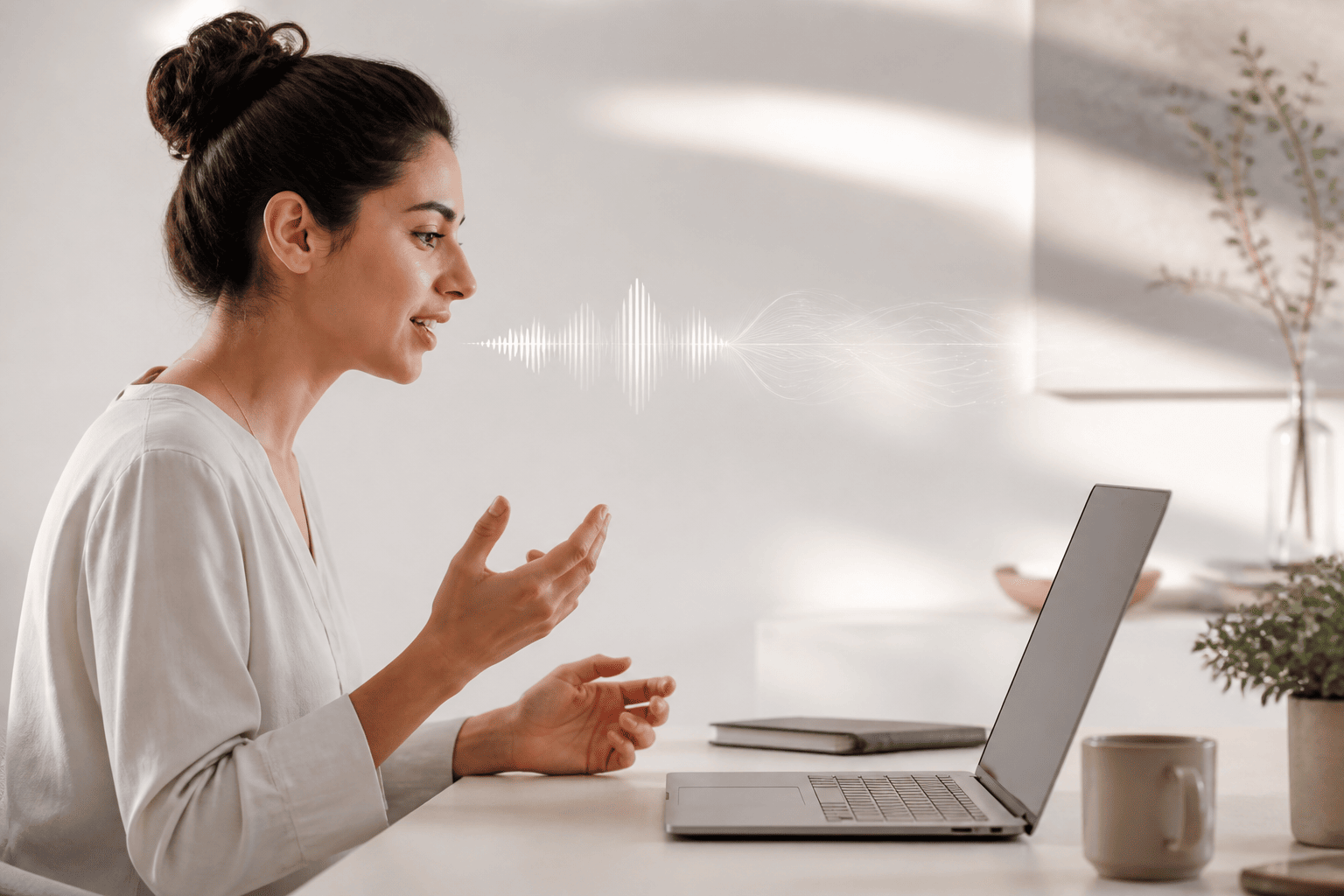
- Speak into any desktop app — browser, Word, Slack, email, code editor — and text appears instantly.
- Hotkey activation means you're never more than a keystroke away from hands-free input.
- Agent Mode lets you send emails, add tasks, and control apps by voice without switching windows.
- Works system-wide on Mac, Windows, and Linux — no browser tab, no extension, no extra step.
Why 'Format Text Online' Is the Wrong Frame
When people search for ways to format text online, they usually want one thing: to stop fighting with a keyboard. Copy-paste into a web formatter, fiddle with markdown, re-read for typos — it gets old fast. The real problem isn't the format, it's the input method.
What if you could skip the typing entirely? NovaVoice is a desktop dictation app that lets you speak your thoughts and have them appear, correctly formatted, in whatever app you already have open. No extra tab, no browser extension, no copy-paste loop. Just press your hotkey, talk, and the text is there.
For anyone who spends serious time writing — emails, documentation, reports, code comments, long-form content — this is a faster path than any online text formatter.
Real-Time Dictation Into Any App, Any Text Field
NovaVoice works at the operating system level on Mac, Windows, and Linux. That means it isn't limited to one app or one website. You can dictate into Gmail, into a Notion tab, into VS Code, into a Word document, into a customer support tool — anywhere you can click and type, you can speak instead.
The workflow is simple: press your hotkey, speak naturally, stop. The text appears in real time as you talk, so you can see exactly what's being captured. There's no waiting for a batch transcription, no upload, no processing delay.
For people who frequently write in multiple places throughout the day — switching between a browser, a notes app, a messaging tool, and an IDE — this system-wide approach means the tool follows you rather than forcing you to work around it.
Agent Mode: When You Want to Do More Than Just Type
Dictation handles text input. Agent Mode handles actions. With Agent Mode active, you can say 'send an email to Marcus with the subject Project Update' while looking at any screen, and NovaVoice will open Gmail and compose it — without you switching apps manually.
The same works for tasks, calendar events, messages, and more. You can add a task to Todoist, send a message via Telegram or WhatsApp, create a Google Calendar event, or control Spotify playback — all by voice, all from wherever you are. Supported apps include Gmail, Todoist, Google Calendar, Telegram, WhatsApp, Spotify, X, and Hacker News, with more being added regularly.
Agent Mode also functions as a contextual AI assistant. Ask it what the weather is, what a term means, or to summarize text you've selected — it understands your screen context and responds intelligently. It's closer to having a capable desktop assistant than a simple voice shortcut.
Who Gets the Most Out of Voice Dictation for Text Formatting
Writers and content creators often find that speaking is simply faster than typing. Most people speak at 120–150 words per minute and type at 40–60. If you're drafting a 1,000-word article, the math matters. Dictating a rough draft and then editing it is frequently quicker than writing word by word at the keyboard.
Developers and technical professionals use NovaVoice for writing documentation, commit messages, comments, and long-form communication — anything that isn't code syntax itself. Founders and startup teams often use it for moving fast through emails, briefs, and async updates.
People managing RSI or other repetitive strain conditions often find voice dictation isn't just convenient — it's necessary. NovaVoice works on Linux in addition to Mac and Windows, which matters for developers and technical users who often find voice tools skip their platform entirely.
How NovaVoice Compares to Online Text Formatters
Online text formatters are passive tools. You write text somewhere else, paste it in, apply a transformation, and copy it back. They solve a formatting problem after the fact. NovaVoice solves the input problem at the source — the text comes out of your voice already ready to use.
Browser extensions that add dictation to specific sites are more limited: they work in that tab, on that site, with that extension installed. NovaVoice works everywhere on your desktop without site-specific configuration.
If you're looking for a tool that covers audio transcription of recorded files or meeting transcription, those features are on the NovaVoice roadmap but aren't live today. What is live is the full real-time dictation and Agent Mode experience across Mac, Windows, and Linux.
System-Wide Dictation
Speak into any app, any text field, any website on your desktop. NovaVoice works at the OS level on Mac, Windows, and Linux — no extension, no tab, no switching tools.
Hotkey Activation
Press your hotkey, speak, stop. Text appears in real time wherever your cursor is. No menus, no mode changes — just fast, frictionless input whenever you need it.
Agent Mode
Go beyond typing: trigger actions in Gmail, Todoist, Google Calendar, Telegram, WhatsApp, Spotify, and more by voice from any screen. Also works as a context-aware AI assistant for quick questions and summaries.
Frequently asked questions
Can I format text online using NovaVoice?
Yes — though 'online' is only part of the picture. NovaVoice works system-wide, so you can dictate into any browser-based editor, web app, or online form just by pressing your hotkey and speaking. The text appears in real time, exactly where your cursor is.
Do I need a browser extension to use NovaVoice in web apps?
No. NovaVoice is a desktop app that works at the operating system level, so it pushes text into any focused text field — including browser tabs — without an extension. Open your browser, click into the field, press your hotkey, and speak.
Is NovaVoice a text-to-speech tool?
No. NovaVoice converts your speech into typed text — the opposite direction. You speak, text appears. It is not a tool that reads text aloud.
What is Agent Mode and how does it relate to formatting text?
Agent Mode goes beyond dictation. Instead of just inserting text, it lets you trigger actions in supported apps — send an email in Gmail, add a task to Todoist, create a calendar event — all by voice, from any screen. Think of it as a desktop AI assistant that understands context and acts, not just types.
Which operating systems does NovaVoice support?
NovaVoice runs on Mac, Windows, and Linux. It does not currently have a mobile app, though one is on the roadmap.
Who is NovaVoice built for?
Writers, developers, founders, students, doctors, and anyone who types a lot — including people managing RSI or other accessibility needs. If you produce a lot of text and want to work faster without wearing out your hands, NovaVoice is built for you.
Ready to work at the speed of speech?
Download free and start in a minute. Rolling it out to a team? Book a call.
Free to download · no credit card required