

Physician Dictation Software That Works Across Every Desktop App
NovaVoice brings real-time voice dictation to Mac, Windows, and Linux — speak your clinical notes, referral letters, or patient summaries directly into any application, no dedicated interface required.
Download for your OSFree plan available · No credit card required
See all platforms →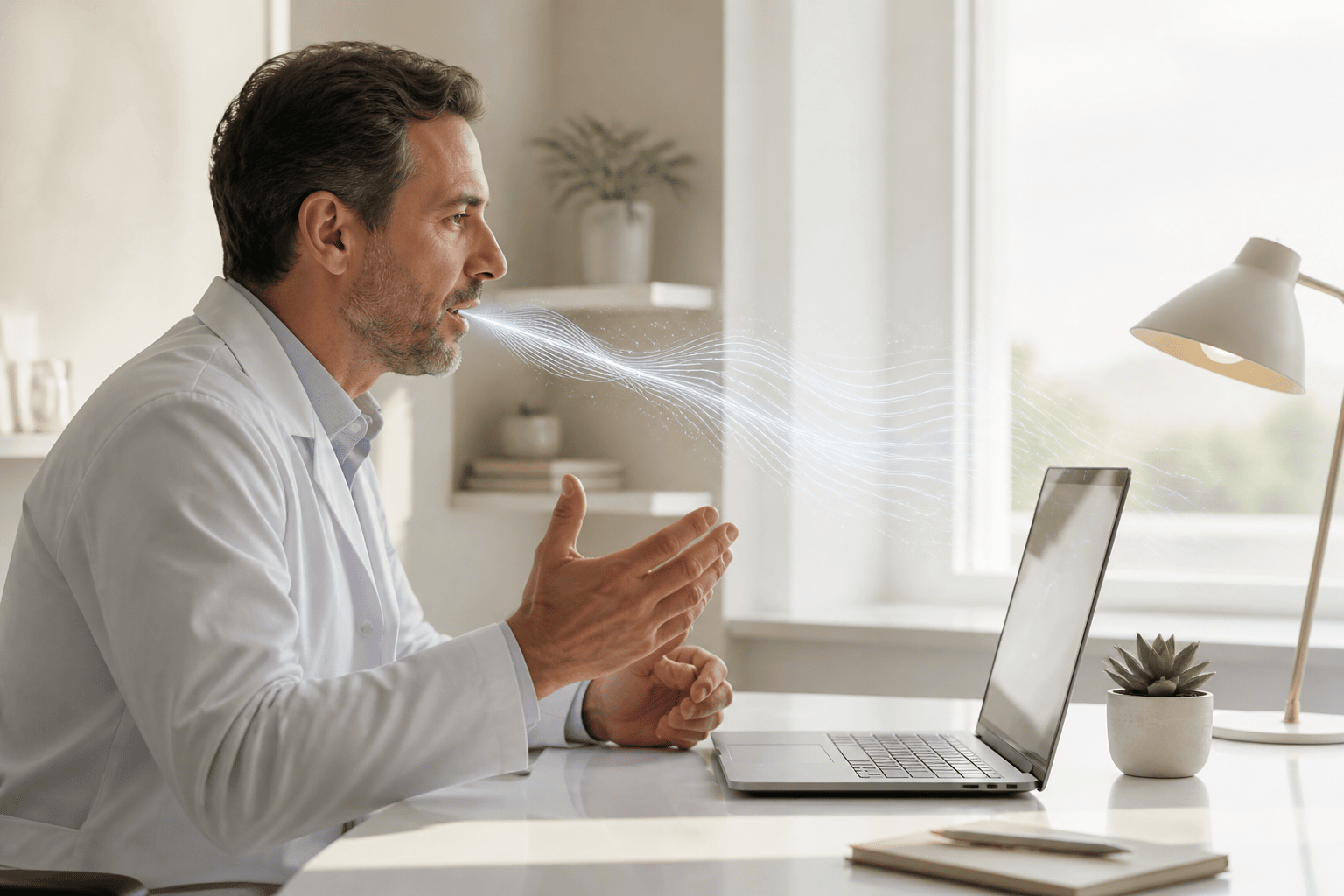
- Dictate into any app on your desktop — EHR fields, Word documents, email, Slack, wherever your cursor is.
- Hotkey activation means you can start and stop dictation without touching your mouse or switching windows.
- Agent Mode lets you trigger actions by voice — send a message, create a calendar event — from any screen.
- Available on Mac, Windows, and Linux with no platform lock-in.
Why Physicians Are Moving Away from Traditional Dictation Software
For decades, physician dictation software meant one thing: a proprietary system bolted onto a single workflow, usually tied to a specific EHR or a Windows-only installation. Dragon NaturallySpeaking built much of that market, and while it earned its reputation for medical vocabulary accuracy, it became an enterprise-only product after Microsoft acquired Nuance — meaning solo practitioners, small clinics, and physicians on Mac or Linux were largely left behind.
The gap that opened up is straightforward: most physicians don't need a platform-specific dictation suite. They need a fast, reliable way to get spoken words into text — in whatever application happens to be open. That might be an EHR web portal in a browser, a Word document for a referral letter, an email reply to a specialist, or a notes app between patient visits. The application changes. The need to speak quickly and accurately doesn't.
NovaVoice is built on that premise. It works system-wide — speak into any text field on your desktop, regardless of which application it belongs to. There's no dedicated dictation window to open and no file to send off for transcription. You activate it with a keyboard shortcut, speak, and your words appear where your cursor is.
How NovaVoice Works for Clinical Documentation
The core workflow is designed to get out of your way. Press your assigned hotkey, dictate your note, release, and the transcribed text lands directly in whatever field you're working in — an EHR text box, a referral document in Word, a patient communication in your email client. NovaVoice doesn't require you to copy and paste from a separate dictation panel. It integrates at the operating system level, which means it works wherever text input is accepted.
For physicians who document across multiple tools in a single session — pulling up a browser-based EHR, then switching to Outlook for a referral, then opening a Word template — this system-wide approach removes a consistent friction point. You're not managing multiple dictation interfaces. You're using one tool that follows your cursor.
Agent Mode extends this further. From any screen, you can trigger voice commands in connected applications — create a calendar event for a follow-up appointment, send a message via Gmail or Telegram, control Spotify during documentation sessions — all without switching apps. It functions like a voice assistant that understands the context of your desktop rather than operating in isolation.
Platform Support: Mac, Windows, and Linux
One of the most common friction points physicians encounter with dictation software is platform mismatch. Legacy medical dictation tools are often Windows-exclusive. Physicians who work on Macs — increasingly common in clinical settings — have historically had fewer options, and those on Linux have had almost none.
NovaVoice runs on all three. Whether your clinical workstation runs Windows, your personal machine is a Mac, or your practice uses Linux-based systems, the same tool and the same workflow applies. There's no separate product tier for Mac versus Windows. Cross-platform support is part of the standard offering.
This matters in multi-site practices where different locations may run different operating systems, and it matters for physicians who move between a clinic workstation and a home office setup. Your dictation behavior doesn't have to change with the hardware.
Dictation Software vs. Meeting Transcription: Understanding the Difference
It's worth being precise about what physician dictation software actually means in practice, because the category has expanded to include tools that serve a different function. Meeting transcription tools — Otter.ai being the most widely known example — are designed to record and transcribe audio after the fact, typically from meetings or conversations. They're useful for capturing rounds discussions or multidisciplinary team calls, but they're not dictation tools in the clinical documentation sense. They don't let you speak text directly into a patient note in real time.
NovaVoice is a real-time dictation tool. The distinction is important: you're not recording audio to be processed later. You speak, and text appears immediately in the field you're working in. This is the workflow that maps to writing a SOAP note, dictating a discharge summary, or composing a specialist referral — tasks where you need text in a specific place right now, not a transcript to clean up afterward.
Audio file transcription — uploading a recorded dictation for processing — is on the NovaVoice roadmap, but it is not a current live feature. The current product is focused on real-time, in-app dictation where the output goes directly to your cursor position.
NovaVoice Compared to Dragon Medical and Other Physician Dictation Tools
Dragon NaturallySpeaking — now Dragon Professional, previously Dragon Medical One for clinical use — was the standard for physician dictation for many years. Its medical vocabulary and offline processing made it a serious tool. But the consumer and professional editions were discontinued after Nuance was acquired, leaving Dragon as an enterprise product. For individual physicians or small practices looking for a straightforward dictation tool, the pricing and procurement model no longer fits.
Superwhisper and Wispr Flow represent the newer generation of dictation software — lightweight, hotkey-activated, and designed for system-wide use. Superwhisper supports Mac and Windows with offline processing. Wispr Flow supports Mac, Windows, and has mobile apps, but does not support Linux and is cloud-only. Neither currently offers Agent Mode — the ability to trigger voice commands in third-party applications from any screen.
NovaVoice sits in this newer generation while adding the Agent Mode layer. For physicians who want dictation as a foundation but also want voice-controlled access to their calendar, messaging, or task management without breaking their documentation flow, that combination is the differentiator. It's also the only option in this category with native Linux support.
Practical Use Cases for Physicians Using Desktop Dictation
The most immediate use case is clinical note documentation. Whether you follow SOAP, DAP, or another structured format, speaking a note is typically three to four times faster than typing one. For high-volume practices where documentation time directly competes with patient time, that difference compounds across a full day of appointments.
Beyond notes, dictation applies across the documentation workload that doesn't always get counted — referral letters, prior authorization requests, patient instructions, internal communications with colleagues, and administrative correspondence. All of these involve typing into desktop applications. NovaVoice works in all of them without any configuration changes between tasks.
Physicians dealing with repetitive strain or early-stage carpal tunnel also find dictation software practically necessary rather than optional. NovaVoice is available to anyone who needs to reduce keyboard load, and it works with no hands-on setup between application switches. You dictate in your EHR, move to your email client, and the same hotkey works without reconfiguration.
System-Wide Real-Time Dictation
Speak into any text field on your desktop — EHR portals, Word documents, email clients, notes apps — with no copy-paste step and no dedicated dictation panel. Activate with a hotkey, speak, and text appears exactly where your cursor is.
Agent Mode Voice Commands
Trigger actions in connected apps by voice from any screen — create a follow-up appointment in Google Calendar, send a message via Gmail, control playback — without switching windows or interrupting your documentation flow.
Mac, Windows, and Linux Support
NovaVoice runs natively on all three major desktop operating systems. Whether your clinical workstation is Windows, your personal setup is Mac, or your practice infrastructure runs Linux, the same tool and the same workflow applies.
Frequently asked questions
Does NovaVoice work with EHR systems?
Yes — NovaVoice works at the operating system level, which means it dictates into any text field on your desktop, including browser-based EHR portals and desktop EHR applications. It doesn't require a specific integration with your EHR vendor. If you can click into a text field and type, you can dictate into it with NovaVoice.
Is NovaVoice trained on medical vocabulary?
NovaVoice uses advanced speech recognition that handles clinical terminology well in practice. While it doesn't offer the same depth of domain-specific medical vocabulary customization as legacy enterprise tools like Dragon Medical One, most physicians find the accuracy sufficient for notes, letters, and general documentation without extensive correction.
Does NovaVoice work on Mac and Linux, not just Windows?
Yes. NovaVoice supports Mac, Windows, and Linux — all three major desktop platforms. This is one of the clearest differences from legacy physician dictation tools, which were predominantly Windows-only.
How is NovaVoice different from Dragon NaturallySpeaking for physicians?
Dragon NaturallySpeaking in its consumer and professional forms has been discontinued following the Nuance acquisition, making it an enterprise-only product. NovaVoice is available without enterprise procurement, works across Mac, Windows, and Linux, and includes Agent Mode for voice-controlled actions in connected apps — something Dragon did not offer.
Can I use NovaVoice to transcribe recorded audio files?
Audio file transcription is on the NovaVoice roadmap but is not a live feature at this time. The current product is focused on real-time dictation — speaking text directly into any desktop application as you work, with text appearing immediately at your cursor position.
Is NovaVoice useful for physicians with RSI or hand strain?
Yes. Reducing keyboard and mouse use is a common reason physicians adopt dictation software. NovaVoice is activated by a keyboard shortcut and then requires no typing — you speak, text appears, and you can move between applications without reconfiguring anything. It works across your entire desktop workflow, not just inside one application.
Ready to work at the speed of speech?
Download free and start in a minute. Rolling it out to a team? Book a call.
Free to download · no credit card required