

Typing With Carpal Tunnel Syndrome? Your Hands Need a Break
NovaVoice lets you dictate into any app on your Mac, Windows, or Linux desktop — so you can keep working without the wrist pain.
Download for your OSFree plan available · No credit card required
See all platforms →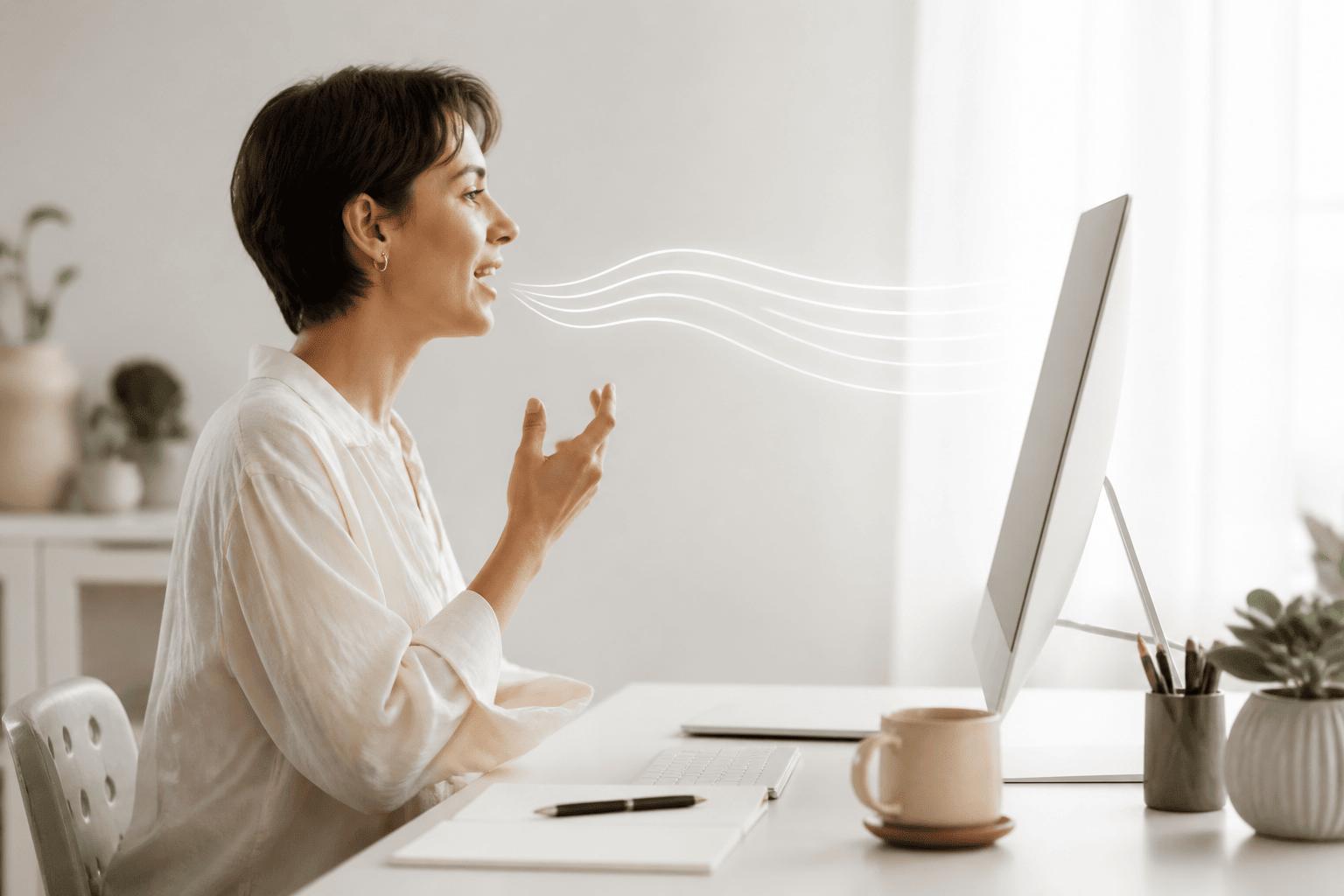
- Carpal tunnel syndrome makes sustained typing painful and risky — but most knowledge work still demands it.
- NovaVoice turns your voice into real-time text, system-wide, in any app — no switching tools, no separate window.
- Agent Mode lets you send emails, add tasks, and control apps by voice — without touching a keyboard at all.
- Available on Mac, Windows, and Linux — just speak, and the words appear.
Why Typing Is So Hard on Carpal Tunnel
Carpal tunnel syndrome (CTS) happens when the median nerve — which runs through a narrow passage in your wrist — gets compressed. Repetitive typing is one of the most common aggravators. The sustained wrist flexion, the pounding of keys, the hours at the keyboard: all of it adds up. For many people, CTS starts as tingling or numbness and progresses into real pain that interrupts sleep and makes work genuinely difficult.
The cruel irony is that most modern knowledge work is inseparable from typing. Developers write code. Writers draft articles. Founders answer email. Doctors complete notes. The injury tells you to rest your hands; the job tells you to keep typing. That's the gap NovaVoice was built to close.
Voice dictation isn't a workaround — it's a legitimate input method that can match or exceed your typing speed once you're comfortable with it. And unlike typing, speaking puts almost no strain on your wrists, forearms, or fingers.
How NovaVoice Works for People With CTS
NovaVoice is a desktop dictation app for Mac, Windows, and Linux. It runs system-wide, which means it works in any app you're already using — your email client, your code editor, your notes app, your browser, Slack, Word, anything. You don't move your documents into a special interface. You just speak, and the words appear where your cursor is.
The workflow is simple: press a hotkey to activate dictation, speak naturally, and press it again to stop. Your words appear in real time. There's no copy-paste step, no secondary window to manage. If you're mid-sentence in a Google Doc, a GitHub issue, or a terminal comment — it works.
For someone with carpal tunnel syndrome, this changes the daily math dramatically. A writer who used to type 2,000 words can dictate them instead. A developer who dreads writing documentation can speak it out. An admin who types dozens of emails a day can voice them all. The keyboard doesn't disappear — but your dependence on it does.
Agent Mode: Going Beyond Dictation
Dictation replaces typing text — but a lot of keyboard work isn't typing text, it's navigating apps. Opening Gmail, composing a message, switching to Todoist to add a task, jumping to Spotify to change the music. Each of those transitions costs clicks, keystrokes, and wrist movement.
NovaVoice's Agent Mode lets you trigger actions in connected apps by voice, from wherever you are on your desktop. You don't need to switch to the app. Say what you want — 'add a task in Todoist', 'send a message in WhatsApp', 'create a calendar event', 'play something in Spotify' — and it happens. Currently supported apps include Gmail, Todoist, Google Calendar, Telegram, WhatsApp, Spotify, X, Hacker News, and more are being added.
Agent Mode also works as a contextual AI assistant. From any screen, you can ask it questions — 'what does this term mean?', 'what's the weather?', 'summarize what I've selected' — without reaching for a browser tab. Think of it as a desktop voice assistant that actually understands what you're working on.
What to Expect When You Switch to Voice Input
The first few days of dictating instead of typing feel a little different. You'll probably catch yourself reaching for the keyboard out of habit. Short phrases may feel awkward to say aloud. This is normal — your muscle memory is recalibrating. Most people find a comfortable rhythm within a week.
A few practical tips: dictate in full sentences rather than fragments, especially at first. Speak at a natural pace — you don't need to slow down artificially. If you're in an open office or coworking space, a directional USB microphone or even a decent headset makes a big difference in accuracy. NovaVoice doesn't require specialized hardware, but a quality microphone helps.
You probably won't eliminate all typing immediately — there are moments where a quick keyboard shortcut is still faster. The goal isn't perfection; it's reducing your daily keystrokes enough that your wrists get the rest they need to recover, without gutting your productivity.
NovaVoice vs. Built-In OS Dictation
macOS has built-in dictation. Windows has voice typing. Both work — to a point. They're tied to the OS's own infrastructure, tend to lag behind cursor placement in third-party apps, and offer no programmable hotkeys, no Agent Mode, and no AI assistant context. They're free because they're basic.
NovaVoice is designed for people who depend on this as a daily tool. Real-time accuracy, system-wide reliability across all your apps, a hotkey you can customize, and Agent Mode that actually does things in connected apps — not just types text. If you're managing CTS, you need something you can trust across a full workday, not something that works fine for a quick message.
If you've tried the OS dictation and found it unreliable or limited, NovaVoice is worth trying. It's built specifically for the kind of sustained, app-agnostic dictation that power users and people with accessibility needs actually require.
Protecting Your Hands for the Long Term
Carpal tunnel syndrome doesn't have to end your career or your productivity. Most people who address it early — with rest, ergonomic changes, and reduced repetitive strain — manage it successfully. Voice dictation is one of the most effective tools for reducing keystroke volume without reducing output.
Think of NovaVoice not as a crutch, but as a smarter input method. Professionals in law, medicine, and writing have used dictation for decades for exactly this reason. The technology has caught up to the point where it's seamless enough for developers, founders, and anyone else who lives at a keyboard.
Whether you're currently dealing with CTS symptoms, recovering from surgery, or just being proactive about wrist health, shifting a meaningful portion of your typing to voice is one of the most concrete things you can do. Your work doesn't slow down — your hands just finally get to rest.
Real-Time Dictation, System-Wide
Speak into any app on your Mac, Windows, or Linux desktop — your email client, code editor, browser, notes, or anything else. Activate with a hotkey, speak naturally, and your words appear in real time exactly where your cursor is.
Agent Mode: Voice Commands Without Switching Apps
From any screen, tell NovaVoice to send an email in Gmail, add a task in Todoist, create a calendar event, message someone on WhatsApp, or control Spotify — all without touching a keyboard or switching windows.
AI Assistant Context, On Demand
Ask questions, get definitions, or summarize selected text — all by voice, from wherever you're working. NovaVoice understands your screen context and responds without you needing to open a browser or break your flow.
Frequently asked questions
Can NovaVoice replace keyboard typing entirely if I have carpal tunnel syndrome?
For most text input — writing emails, drafting documents, taking notes, filling in forms — yes, NovaVoice can handle it entirely by voice. Agent Mode also covers common app actions like sending messages and adding tasks. Some keyboard shortcuts and precise UI interactions will still require your hands, but the volume of typing you need to do drops dramatically.
What platforms does NovaVoice run on?
NovaVoice runs on Mac, Windows, and Linux. It's a desktop app — not a mobile app, not a browser extension. It works system-wide, meaning it works in any app you use on your desktop.
Do I need a special microphone to use NovaVoice?
No specialized hardware is required — your laptop's built-in microphone works. That said, a directional USB microphone or a headset with a boom mic will improve accuracy, especially in noisier environments or for long dictation sessions.
How accurate is real-time dictation for technical content — code comments, documentation, medical notes?
NovaVoice handles everyday prose, technical writing, and domain-specific vocabulary well for most users. As with any dictation tool, you may occasionally need to correct a word — but for most professionals, the time saved vastly outweighs the occasional correction.
What apps does Agent Mode work with?
Agent Mode currently supports Gmail, Todoist, Google Calendar, Telegram, WhatsApp, Spotify, X (Twitter), and Hacker News, with more apps being added. Dictation — where your spoken words are typed as text — works in any app, not just Agent Mode integrations.
Is there an offline mode for use without internet?
Offline mode is on the NovaVoice roadmap and is not yet available as a live feature. The current version requires an internet connection for dictation.
Ready to work at the speed of speech?
Download free and start in a minute. Rolling it out to a team? Book a call.
Free to download · no credit card required