

Whisper Dictation for Desktop — Fast, Accurate, System-Wide
NovaVoice brings Whisper-powered voice dictation to Mac, Windows, and Linux — speak into any app, no copy-pasting, no browser tab required.
Download for your OSFree plan available · No credit card required
See all platforms →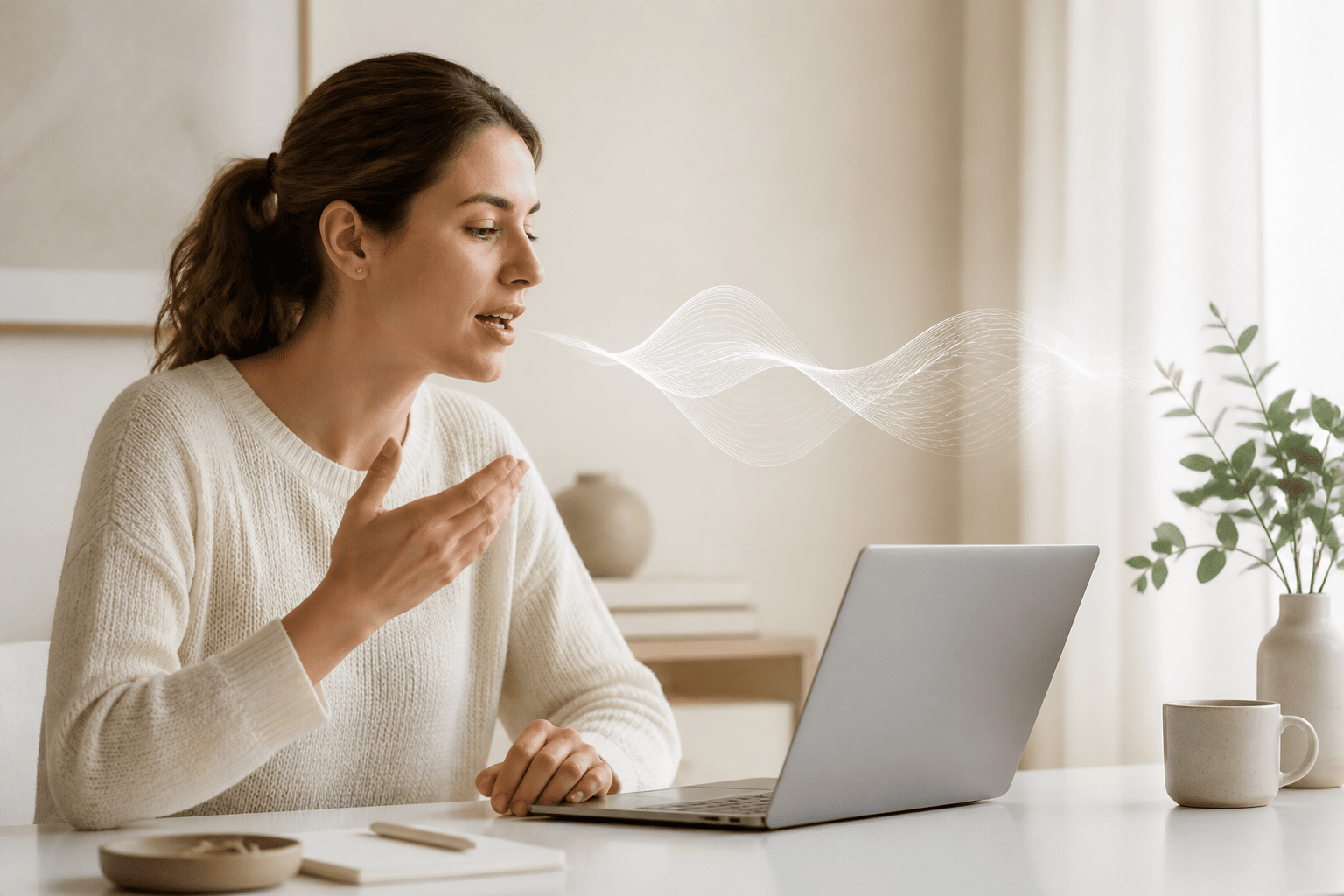
- Speak and text appears instantly in any desktop app — email, Slack, Word, your IDE, anywhere.
- Works system-wide via a hotkey: no switching apps, no dedicated dictation window.
- Agent Mode lets you trigger voice commands in Gmail, Todoist, Spotify, and more from any screen.
- Available on Mac, Windows, and Linux — no mobile required.
What 'Whisper Dictation' Actually Means in 2026
A few years ago, voice dictation on desktop meant either talking to a clunky OS built-in or paying a steep subscription for Dragon NaturallySpeaking. Then OpenAI released Whisper, and the landscape shifted. Whisper's accuracy across accents, background noise, and technical vocabulary raised the bar for what speech-to-text software could do — and developers started building on top of it.
Today, 'Whisper dictation' has become shorthand for a new generation of desktop voice tools: faster, more accurate, and capable of running outside a single dedicated app. NovaVoice is built in that tradition — a desktop dictation tool that works wherever you're already working, not only inside its own window.
If you've been searching for whisper dictation software that runs on Mac, Windows, or Linux without requiring a mobile device or browser extension, this page explains exactly how NovaVoice approaches that problem.
How NovaVoice Works: Hotkey, Speak, Done
The flow is deliberately simple. Press your hotkey from anywhere on your desktop — a code editor, an email compose window, a Notion page, a terminal. Speak naturally. When you stop, your transcribed text appears at the cursor. That's the whole interaction. No window to manage, no dedicated dictation mode to enter and exit.
This system-wide approach is the key distinction between NovaVoice and tools built around a single app or a browser tab. You don't adapt your workflow to the tool. The tool follows you.
Accuracy is where the Whisper foundation matters. Technical terms, proper nouns, mixed-language sentences — these are exactly the places where older dictation engines struggled most. NovaVoice is built to handle the vocabulary that developers, writers, and professionals actually use, not just common conversational phrases.
Agent Mode: Voice Commands That Actually Do Things
Real-time dictation solves the typing problem. Agent Mode solves a different one: the context-switching problem. Every time you leave what you're working on to go send a message, add a task, or look something up, you lose a thread of thought.
With Agent Mode, you stay where you are. From any screen, you can say 'send an email to Marcus about the invoice' and NovaVoice drafts and sends it in Gmail. Say 'add a task to Todoist: review PR before noon' and it's done. You can create a Google Calendar event, send a Telegram message, queue a track on Spotify, or post to X — all without switching apps.
Agent Mode also works as a contextual AI assistant. Ask 'what does this term mean' while reading a document, or 'summarize the text I selected' without opening a separate tool. It's the kind of voice layer that desktop computers have always lacked — aware of what you're doing, not just waiting for a wake word.
Supported apps are added regularly and include Gmail, Todoist, Google Calendar, Telegram, WhatsApp, Spotify, X, Hacker News, and more.
Linux Support: The Gap Most Whisper Apps Leave Open
If you've been hunting for Whisper dictation on Linux, you already know the problem: nearly every consumer dictation tool skips Linux entirely. Superwhisper is Mac and Windows only. Wispr Flow is Mac, Windows, and mobile — no Linux. Otter.ai has a desktop app but it's built for meeting transcription, not system-wide typing.
NovaVoice runs natively on Mac, Windows, and Linux. For developers running Debian or Arch, for engineers on Ubuntu workstations, for anyone who chose Linux and doesn't want to run a VM just to dictate into their editor — NovaVoice is built for that environment too.
Who Uses NovaVoice for Whisper Dictation
Developers use it to dictate comments, commit messages, documentation, and Slack threads without breaking flow from the keyboard. Founders use it to draft emails, meeting notes, and briefs faster than typing. Writers use it to capture ideas at speaking pace, then edit rather than compose from scratch.
People managing RSI or repetitive strain injuries rely on it to reduce keyboard load without sacrificing output. Medical professionals, researchers, and students who produce long-form text find that dictating first and editing second is simply faster than typing every word.
The common thread is people who type a lot and would rather not — or can't. NovaVoice is a productivity tool for the desktop, built for the workflows those users actually run.
NovaVoice vs. Other Whisper Dictation Tools
Superwhisper offers strong offline Whisper processing on Mac and Windows, and it's a well-regarded option if local processing is your top priority and you're not on Linux. It doesn't have Agent Mode, an AI assistant layer, or Linux support.
Wispr Flow brings AI-formatted, context-aware dictation to Mac and Windows with a polished experience and a mobile companion app. Its desktop free tier is limited to 2,000 words per week. Like Superwhisper, it has no Agent Mode and no Linux support.
Otter.ai is primarily a meeting transcription tool — it records, transcribes, and labels speakers across Zoom, Meet, and Teams. Its desktop app is built for capturing audio from meetings, not for typing your speech into whatever app you're using. If you need system-wide dictation, it's not the right category of tool.
NovaVoice's position is: real-time system-wide dictation on all three major desktop platforms, plus Agent Mode for voice commands in third-party apps, plus an AI assistant that understands screen context. Audio file transcription and meeting transcription are in development for a future release.
System-Wide Hotkey Dictation
One hotkey activates dictation from anywhere on your desktop. Speak into any app — email, Slack, Word, your browser, your IDE — and text appears at the cursor the moment you stop. No dedicated window, no copy-paste step.
Agent Mode: Voice Commands Across Apps
From any screen, trigger real actions in Gmail, Todoist, Google Calendar, Telegram, WhatsApp, Spotify, X, and more — without switching apps. Also works as a contextual AI assistant: ask questions, get definitions, or summarize selected text by voice.
Mac, Windows, and Linux Support
NovaVoice runs natively on all three major desktop operating systems. For Linux users especially, this closes a gap that nearly every other consumer Whisper dictation tool leaves open.
Frequently asked questions
What is Whisper dictation?
Whisper is an open-weight speech recognition model developed by OpenAI, known for high accuracy across accents and languages. Whisper dictation refers to apps that use this model (or its derivatives) to convert your spoken words into text in real time. NovaVoice uses Whisper-class technology to deliver accurate, fast dictation into any desktop app you already use.
Does NovaVoice work in any app on my desktop?
Yes — that's the core idea. NovaVoice is system-wide, not locked to one window. Activate it with a hotkey, speak, and your words appear wherever your cursor is: a browser field, a Slack message, a code comment, a Word document, an email draft. No copy-pasting.
How is NovaVoice different from Superwhisper?
Superwhisper is a solid Mac and Windows dictation tool focused on offline, local Whisper processing — but it doesn't support Linux, and it has no Agent Mode or AI assistant layer. NovaVoice adds Agent Mode, which lets you send emails, add tasks to Todoist, create calendar events, or control Spotify entirely by voice from any screen, without switching apps. It also runs on Linux.
Is NovaVoice text-to-speech?
No. NovaVoice converts your speech into text — the opposite direction. You speak, text appears. It does not read text aloud or generate audio from written content.
Does NovaVoice work offline?
Offline mode is on the roadmap and not yet available. Current dictation requires an internet connection. We'll update this page when offline support ships.
Can I use NovaVoice to transcribe a recorded audio file or meeting?
Audio file transcription and meeting transcription are planned features currently in development — they're not live yet. Right now, NovaVoice focuses on real-time dictation as you speak.
Ready to work at the speed of speech?
Download free and start in a minute. Rolling it out to a team? Book a call.
Free to download · no credit card required