
Speech Recognition Software for Students with Disabilities — Type with Your Voice
NovaVoice lets you dictate into any app on Mac, Windows, or Linux in real time — so a learning difference, motor impairment, or RSI never slows your work down.
Download for your OSFree plan available · No credit card required
See all platforms →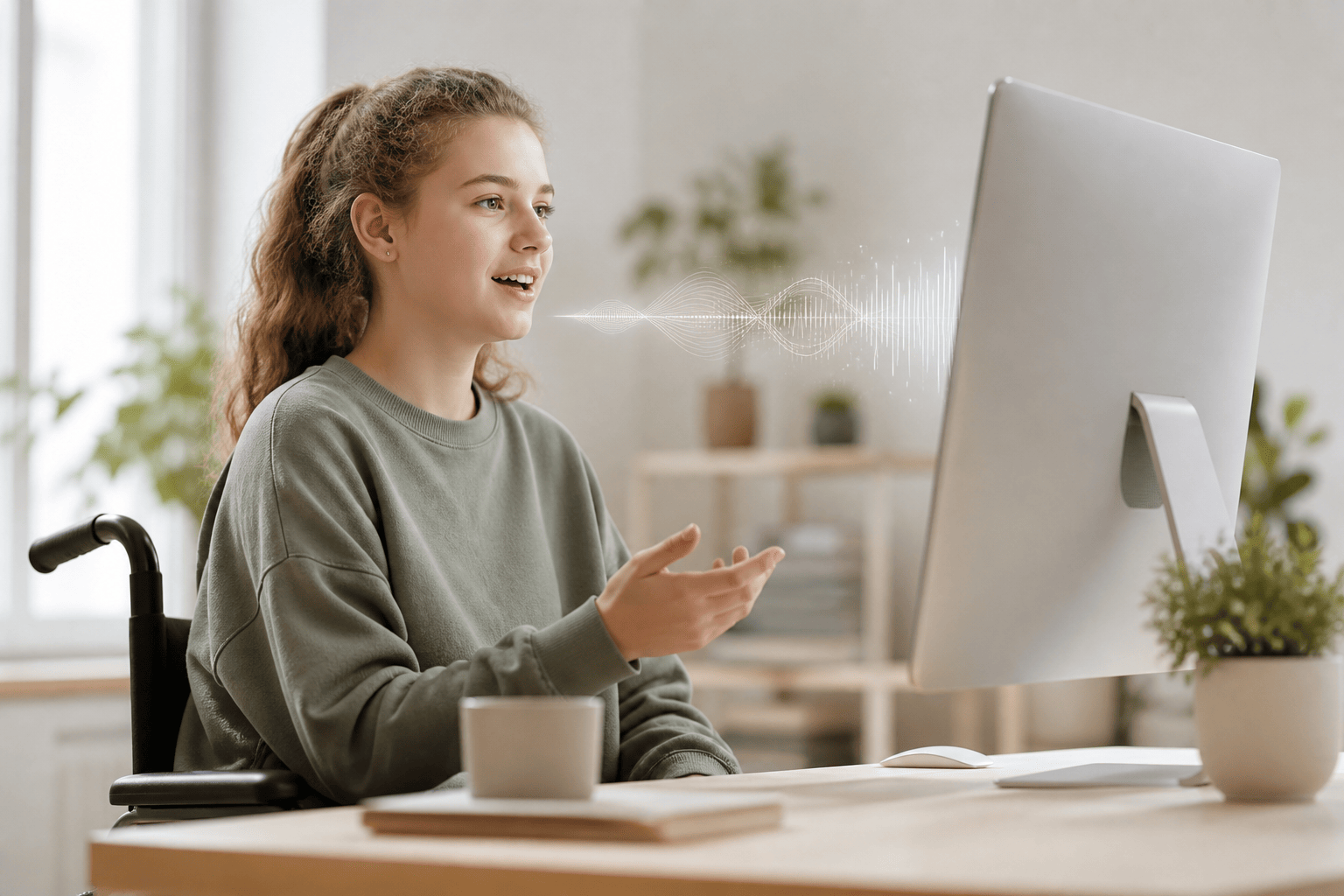
- Speak and watch text appear instantly in Word, Google Docs, email, Slack, or any desktop app — no copy-pasting, no switching windows.
- Works system-wide across Mac, Windows, and Linux — not locked to one app or browser tab.
- Agent Mode lets you send emails, add tasks, and control apps by voice from any screen, keeping your hands free all day.
- Hotkey activation means one keypress starts dictation — no menus, no mouse, no friction.
Real-Time Dictation in Any Desktop App
Speak and text appears immediately in whichever app you're working in — Word, Docs, your email client, your IDE, Notion. NovaVoice is not tied to a single app; it works wherever your cursor is.
Hotkey Activation — Zero Mouse Required
Press a hotkey, speak, press it again — done. Students who struggle with mouse navigation or fine motor control can trigger dictation without hunting through menus or touching a trackpad.
Agent Mode for Hands-Free App Control
From any screen, use your voice to send emails in Gmail, add to-dos to Todoist, create Google Calendar events, or message someone on Telegram or WhatsApp — without switching windows or touching a mouse.
Contextual AI Assistant on Any Screen
Highlight a paragraph in your textbook PDF and ask NovaVoice to summarize it. Look up a definition mid-essay. Get quick answers without breaking your writing flow or reaching for another device.
Cross-Platform: Mac, Windows, and Linux
NovaVoice runs natively on all three major desktop operating systems — including Linux, which many accessibility tools ignore entirely. Your dictation workflow travels with you regardless of what machine your school provides.
System-Wide Access, Not a Browser Extension
Unlike browser-based dictation tools that only work in one tab, NovaVoice operates at the OS level. Switch between your browser, your notes app, and your email and dictation follows you automatically.
Frequently asked questions
Does NovaVoice work with the apps I already use for school?
Yes. NovaVoice works system-wide, so it types into whatever is in focus — Google Docs, Microsoft Word, Notion, your email client, your LMS, Slack. If you can click into a text field on your desktop, NovaVoice can dictate into it.
I have limited hand mobility. Can I control my computer by voice beyond just typing?
Agent Mode lets you trigger actions in supported apps — send an email in Gmail, add a task to Todoist, create a calendar event — entirely by voice from any screen. You can also ask NovaVoice questions or have it summarize selected text without touching the keyboard.
Is NovaVoice available on Windows and Linux, not just Mac?
NovaVoice runs on Mac, Windows, and Linux. Most accessibility-focused dictation tools skip Linux entirely, so this matters if your university or assistive-tech setup runs on it.
How fast does the dictation appear? I can't work with noticeable lag.
Dictation is real-time — text appears as you speak, not after a pause or processing delay. That immediacy is important when you're mid-thought in an essay or racing a deadline.
Can NovaVoice help with RSI or repetitive strain from too much typing?
Absolutely. Many NovaVoice users adopted it specifically to reduce keyboard load after an RSI diagnosis. Dictating lecture notes, emails, and assignments keeps your hands rested while your output stays high.
Will offline or audio transcription features be available for students who record lectures?
Audio file transcription and offline mode are on the NovaVoice roadmap — they are not live yet, but they are actively in development. Today's real-time dictation already covers a wide range of classroom writing needs.
Ready to work at the speed of speech?
Download free and start in a minute. Rolling it out to a team? Book a call.
Free to download · no credit card required