
Speech to Text Software for Dyslexia — Type with Your Voice
NovaVoice lets you speak naturally and watch your words appear instantly in any app on your Mac, Windows, or Linux desktop — no typing required.
Download for your OSFree plan available · No credit card required
See all platforms →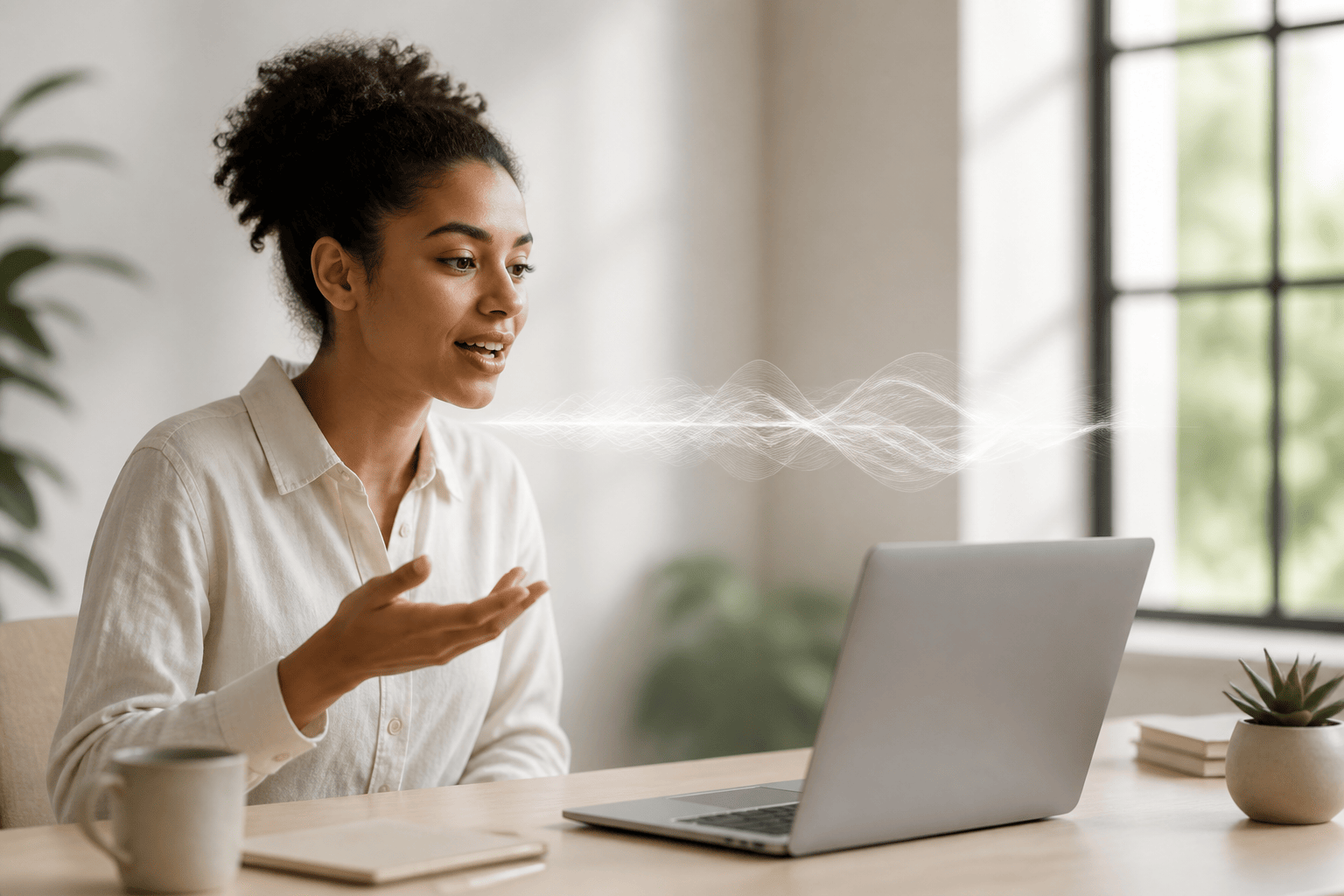
- Speak into any app — email, documents, Slack, browser — and your words appear in real time, no copy-pasting between tools.
- One hotkey activates dictation from anywhere on your desktop, so you stay focused on what you're saying, not how to say it.
- Agent Mode lets you send emails, add tasks, and control apps by voice — hands on keyboard optional.
- Works system-wide on Mac, Windows, and Linux — not locked to a single app or website.
Real-Time Dictation in Any App
Speak and your words appear instantly wherever your cursor is — no app-switching, no copying, no delay. Works in documents, email, chat, browsers, and every other desktop app you use.
One Hotkey, Always Ready
A single keyboard shortcut activates dictation from any screen. Press it, speak your sentence or paragraph, and NovaVoice inserts the text — then you move on.
Agent Mode: Do Things by Voice
Beyond typing, Agent Mode lets you send emails in Gmail, add tasks to Todoist, schedule calendar events, message contacts on Telegram or WhatsApp, and more — all spoken from wherever you are on your desktop.
Contextual AI Assistant
Ask NovaVoice to define a word, explain a concept, or summarize text you have selected — all by voice, from any screen, without opening a new tab or switching context.
System-Wide on Mac, Windows, and Linux
NovaVoice installs at the operating system level so it works across every application you have, on all three major desktop platforms. No browser extension needed, nothing to configure per app.
Hands-Free Writing for Long Sessions
Whether you are writing an essay, drafting a long email, or filling out a form, speaking is dramatically faster and less fatiguing than typing — especially when spelling under pressure is part of what makes writing hard.
Frequently asked questions
How does NovaVoice help people with dyslexia?
Dyslexia often makes the physical act of spelling and typing a barrier to getting ideas out. NovaVoice lets you speak at your natural pace and converts your speech to text in real time, so you can write emails, documents, messages, and notes without wrestling with spelling or keyboard shortcuts. The bottleneck between your thoughts and the page disappears.
Does it work in the apps I already use?
Yes — NovaVoice works system-wide, meaning your dictated text appears wherever your cursor is: Google Docs, Word, Notion, Gmail, Slack, your browser, your code editor, anywhere. You do not need to dictate inside NovaVoice itself and then copy the result over.
Do I need to be a fast or accurate speaker for it to work well?
No. NovaVoice is built for natural, conversational speech. You can pause, restart a sentence, or speak at whatever pace feels comfortable. The recognition is designed to handle real human speech patterns, not only careful dictation-style delivery.
Can I control my computer by voice too, not just dictate text?
Yes — Agent Mode lets you trigger actions in supported apps like Gmail, Todoist, Google Calendar, Telegram, WhatsApp, and Spotify entirely by voice, from any screen. You can also ask contextual questions like 'what does this term mean' or 'summarize the text I selected' without switching apps. It works like a powerful desktop AI assistant that understands what is on your screen.
Is NovaVoice available on my computer?
NovaVoice runs on Mac, Windows, and Linux. It is a desktop application — not a browser extension and not a mobile app.
Is this the same as text-to-speech accessibility software?
No — NovaVoice is the opposite direction: you speak, and it produces text. Text-to-speech reads words aloud for you; NovaVoice writes words for you. The two tools serve different needs and can be used alongside each other.
Ready to work at the speed of speech?
Download free and start in a minute. Rolling it out to a team? Book a call.
Free to download · no credit card required