
Voice dictation for
sales teams
CRM notes, follow-up emails, task logging, and meeting scheduling — all by voice, immediately after a call. NovaVoice works in any CRM and any app on Mac, Windows, and Linux.
Free plan available · Team plan from $8/seat/month
The problem
The typing tax on sales productivity
After every call, a sales rep needs to log notes in the CRM, send a follow-up email, create a task, and schedule the next touch — at a moment when attention should be on the next conversation.
Voice is faster than typing for natural language. Most people speak around 130 words per minute and type around 40. For sales workflows built on natural language — notes, emails, updates — that gap compounds across every rep, every day.

Sales workflows, handled by voice
Everything a rep does after a call — in seconds, without typing.
CRM notes immediately after calls
Activate NovaVoice by hotkey, speak your notes, and they appear directly in the CRM field — while the conversation is still fresh. Works in Salesforce, HubSpot, Pipedrive, or any browser-based CRM.
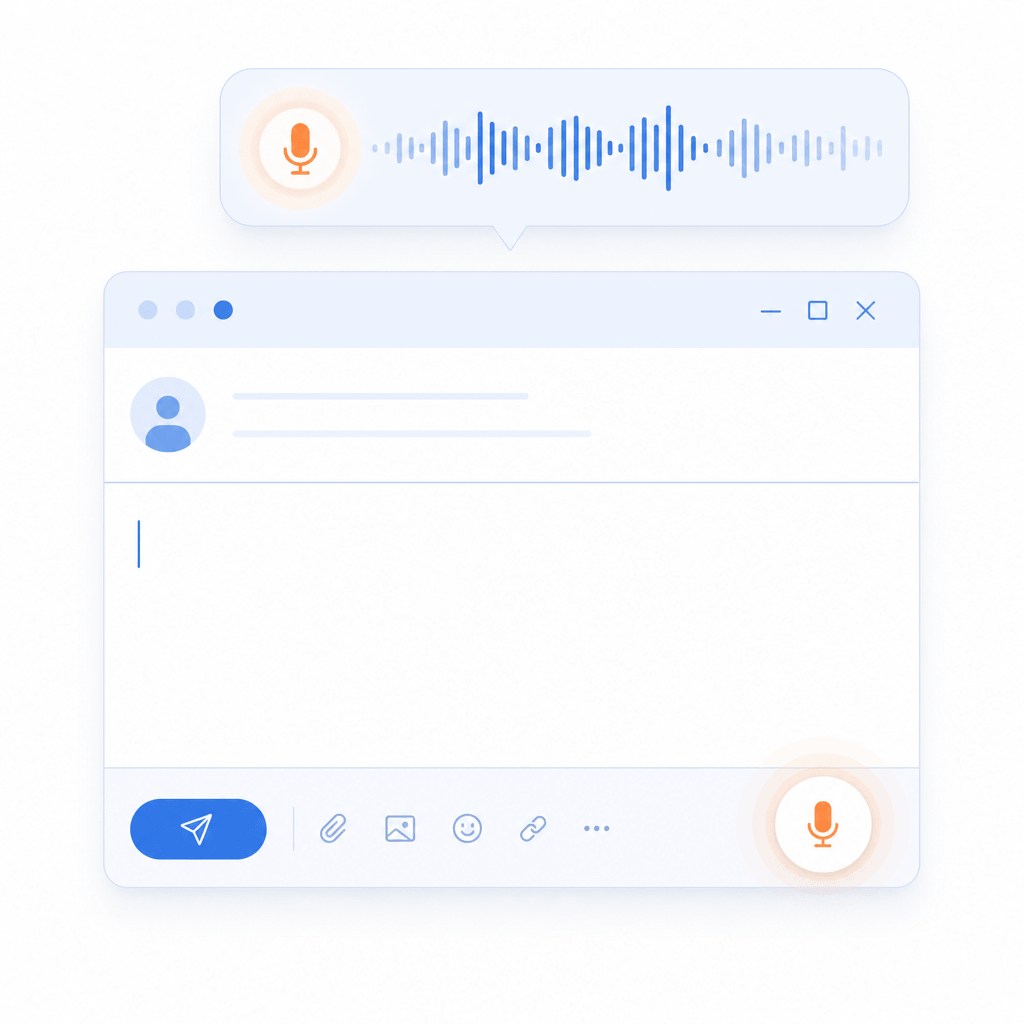
Follow-up emails by voice
Agent Mode in Gmail: say the recipient and the message, NovaVoice composes and sends. For other clients, dictate the body directly into the compose window.
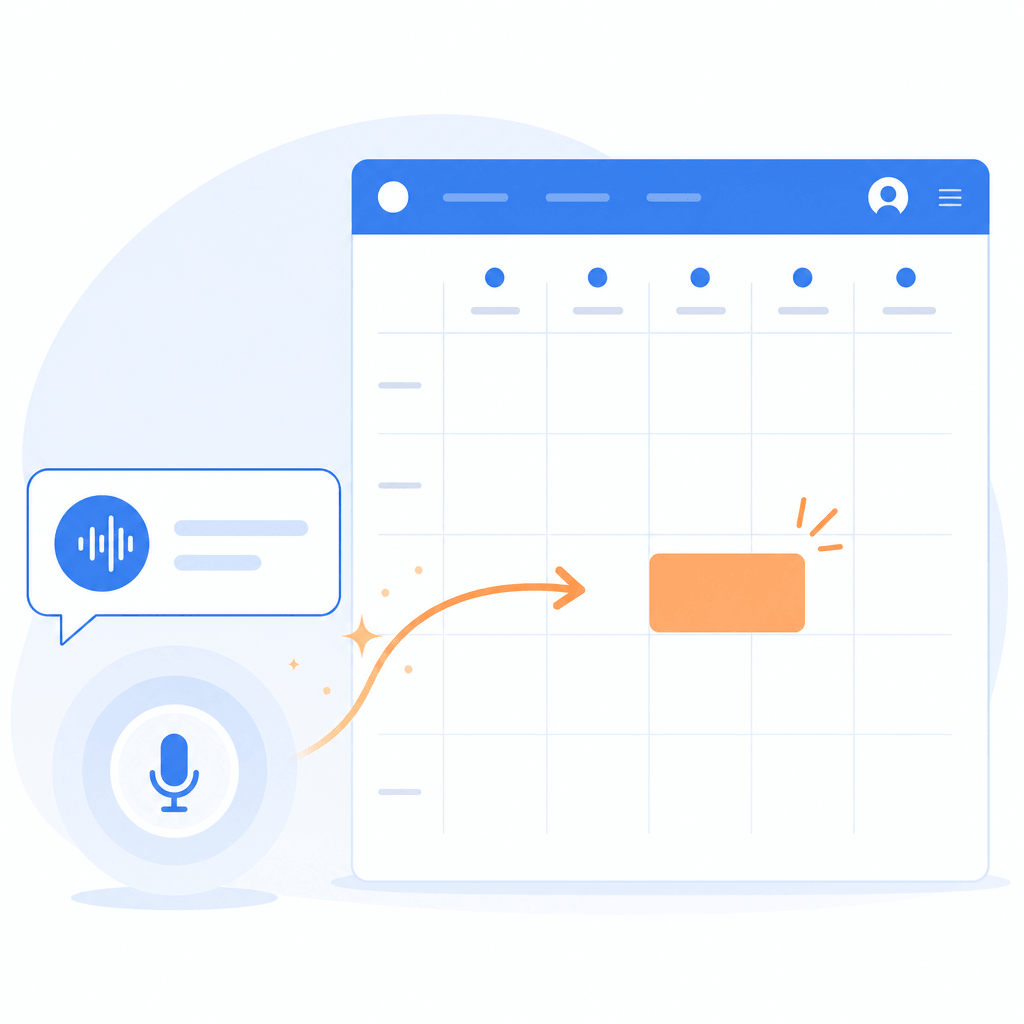
Schedule next steps without the keyboard
Say 'Schedule a call with Alex next Tuesday at 2pm' — Agent Mode creates the Google Calendar event without opening the app.
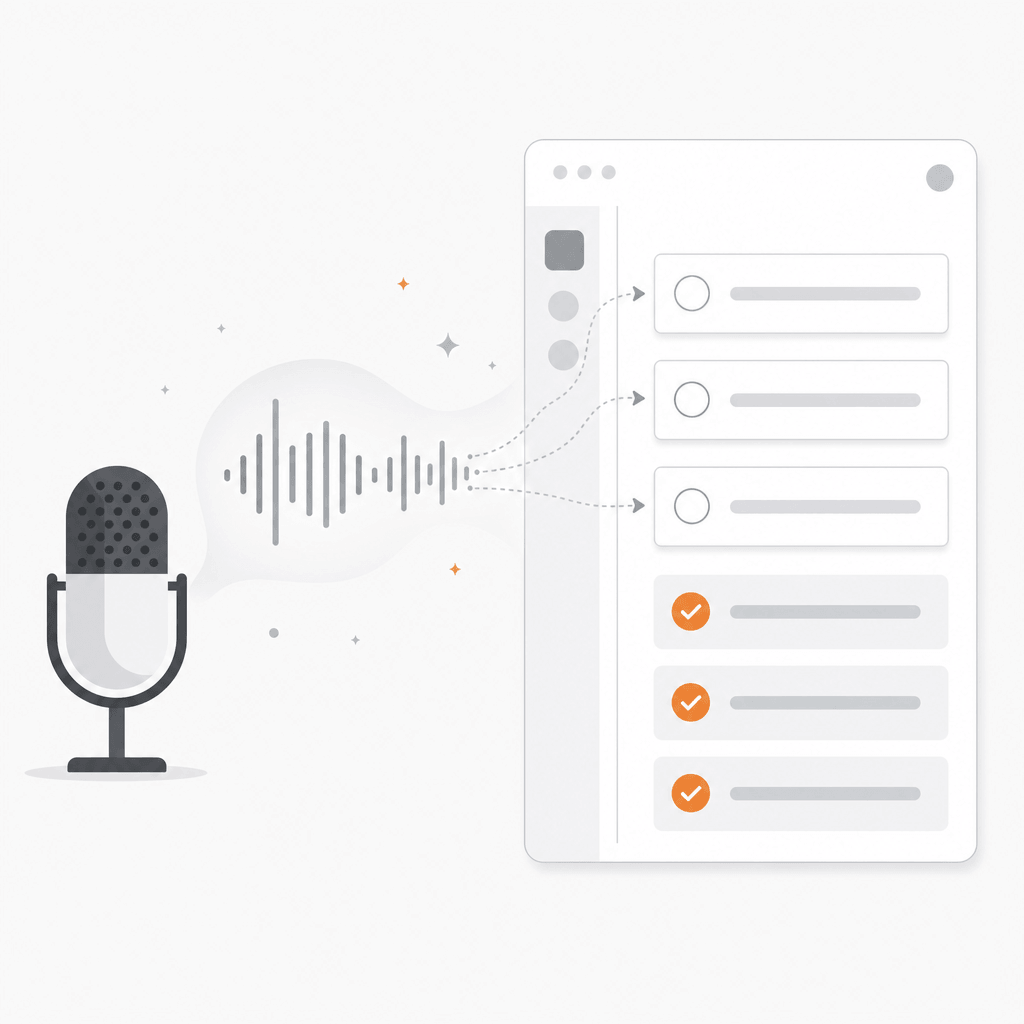
Task logging at the moment of commitment
When you promise a follow-up on a call, log it immediately: 'Add task: send pricing to Sarah by Friday'. NovaVoice creates it in Todoist before you move on.
How it fits into a sales workflow
Call ends
Activate NovaVoice with a hotkey — from anywhere on your desktop.
Log the CRM note
Dictate your call summary directly into Salesforce, HubSpot, or any CRM field. AI formats the output into professional prose.
Send the follow-up
Say the follow-up email by voice. Agent Mode sends it in Gmail without opening the app.
Create the next task
Log the next touch point: 'Add task: send case study to Alex by Thursday.' Done in Todoist.
Schedule the next call
'Schedule a demo with the team next Monday at 10am.' Google Calendar event created.
Start free, scale with your team
Team plan from $8/seat/month. Enterprise pricing on request.
Free
Start at no cost. Explore first, decide later.
- Limited AI-powered voice dictation
- Limited formatting and personalization
- Limited connectors & actions execution in apps
- Terms dictionary
- Limited AI voice assistant
Standard
Best value for personal use. $10/month locked for life for the first 5,000 paying users.
- Unlimited AI-powered voice dictation
- Unlimited formatting
- Unlimited connectors & actions execution in apps
- Terms dictionary
- Unlimited AI voice assistant
Team
Built for power teams to make everyone even faster and more productive.
- Shared formatting styles and preferences
- Shared team dictionary
- Priority support
- Centralized billing and cheaper per seat than Standard.
Need team billing or on-premise? Book a call or
Frequently Asked Questions
How does NovaVoice help sales teams?
Sales reps spend significant time on repetitive written tasks — CRM notes after calls, follow-up emails, task creation, meeting scheduling. NovaVoice lets them do all of this by voice immediately after a conversation: dictate notes directly into the CRM, send a follow-up email in Gmail by voice, create a follow-up task in Todoist, and schedule the next call in Google Calendar — all without switching apps or typing.
Can NovaVoice dictate directly into Salesforce or HubSpot?
Yes. NovaVoice works system-wide at the OS level, which means it types into whatever application is focused — including Salesforce, HubSpot, Pipedrive, or any other CRM running in a browser or as a desktop app. Activate it with a hotkey and dictate directly into any field.
Can NovaVoice send emails by voice?
Yes. Agent Mode integrates with Gmail — you can say 'Email John: following up on yesterday's demo, let me know if you have questions' and NovaVoice will compose and send the email. For other email clients, you can dictate the email body system-wide using the dictation mode.
Does it work on Windows and Mac?
Yes. NovaVoice runs on macOS, Windows 10/11, and Linux. Sales teams using a mix of devices can all use the same tool.
Is there a team plan for sales organizations?
Yes. The Team plan starts from $8/seat/month with centralized billing. For larger sales organizations, custom pricing and on-premise deployment are available. Book a call or get in touch to discuss your requirements.
Give your sales team back their time
Tell us your team size and CRM stack. We'll walk you through the setup and pricing.